THE FIRST PASS FOR PHOTOGRAPHERS
FOCUS. TAGGING. A WAY INTO THE EDIT.Get to your
best photographs.
Thousands of frames shouldn't stand between you and a good edit. Chimp checks focus, describes the shot and tags the details, so you can find the photographs worth your time.
Try 100 photos free No card. 100 Standard reviews. 30 days.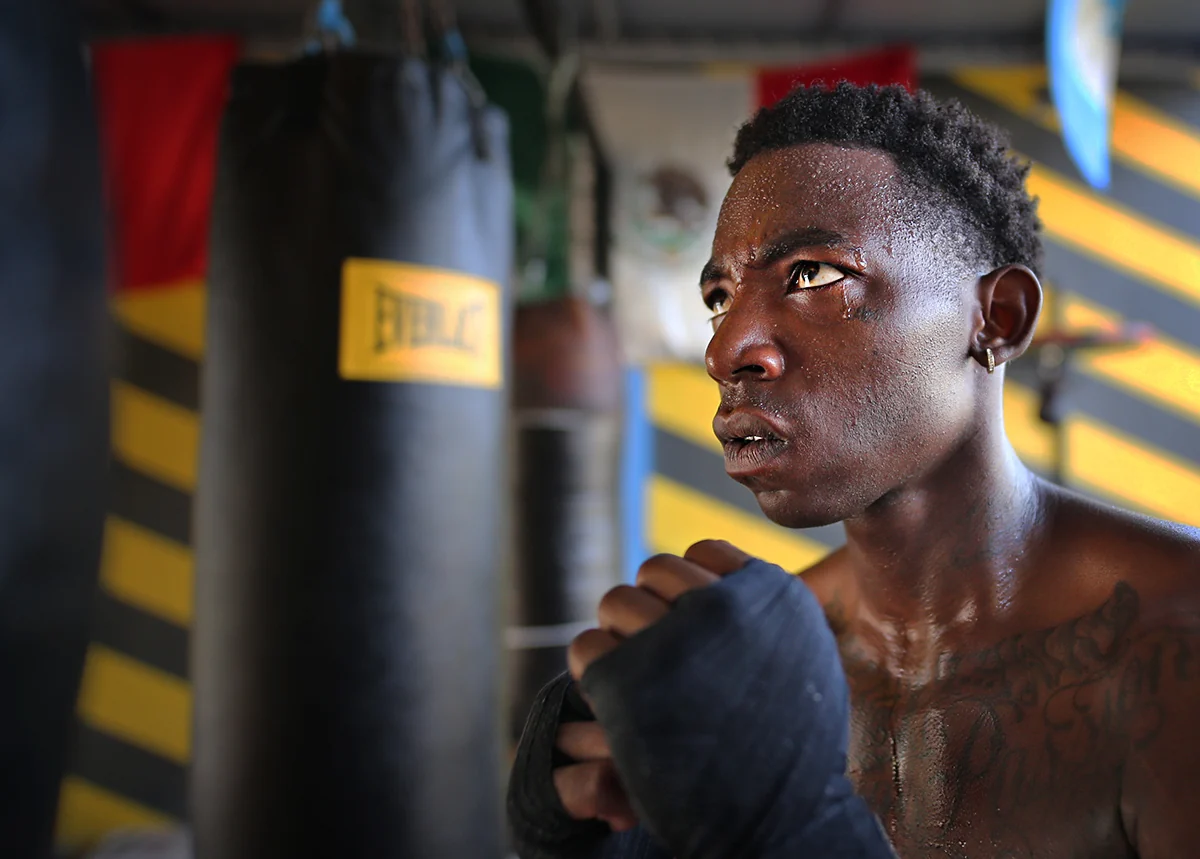
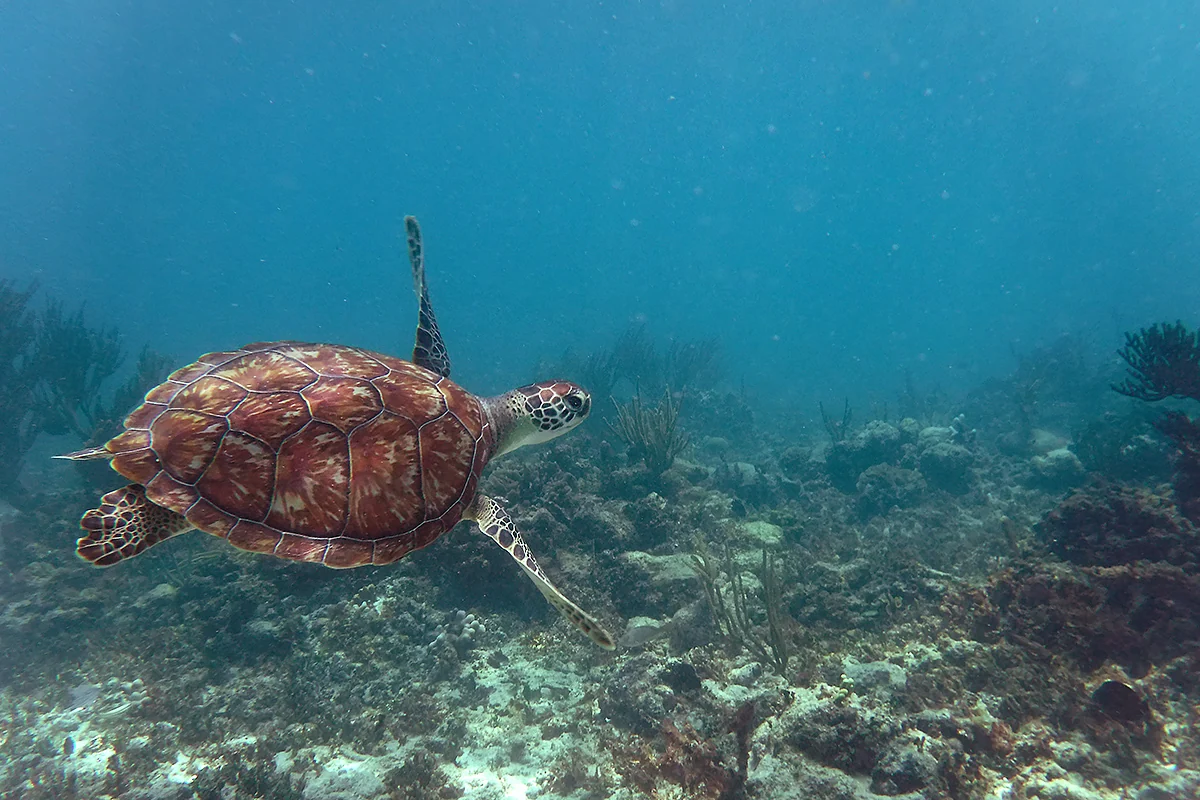

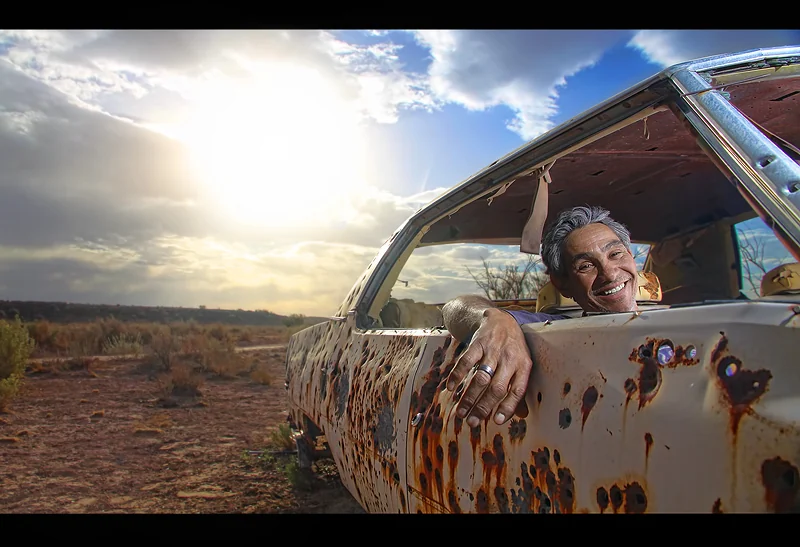
Photographs by Cory Boehne. Explore the sample library
Mac & Windows RAW + JPEG Chrome required · Early access
FOR THE WORK AFTER THE SHOOT
The race weekend. The portrait session.
The drive you keep meaning to organize.
Start with a useful first pass: focus calls you can check, descriptions you can search, and tags you can take into your edit. Built for busy sports and event photographers. Just as useful when the collection doesn't fit one category.
01 / FIND THE PHOTO
Remember the picture.
Forget the filename.
“The one with the yellow punching bags.”
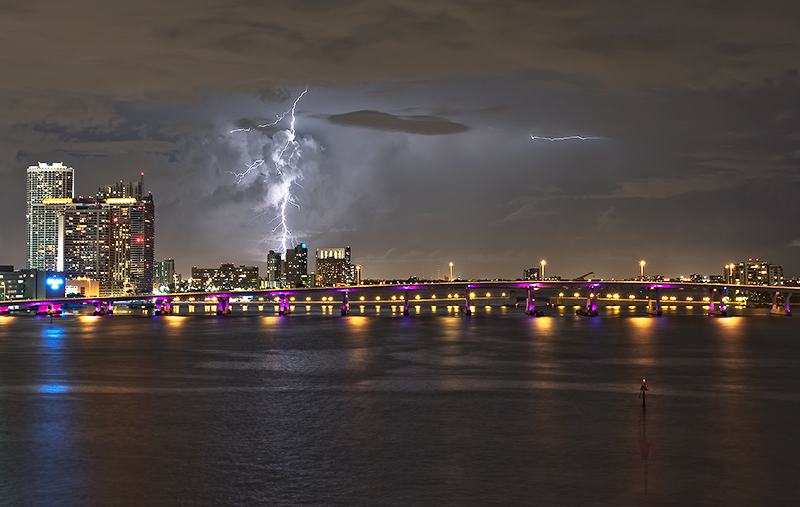
“That lightning shot.”
Search a detail, open a frame, add a word of your own. Try it here.
No matching photos.
Try a different word or clear the filters.
Real photographs by Cory Boehne, with example descriptions and tags. The rider also includes a separately labeled, saved focus review. No live analysis runs here. Your added tags aren't saved.
The edit ends. The photo requests don't. Chimp's descriptions and tags make your saved work easier to find again. Add names, teams and client notes yourself; it doesn't identify people or match race rosters.
A closer look at tagging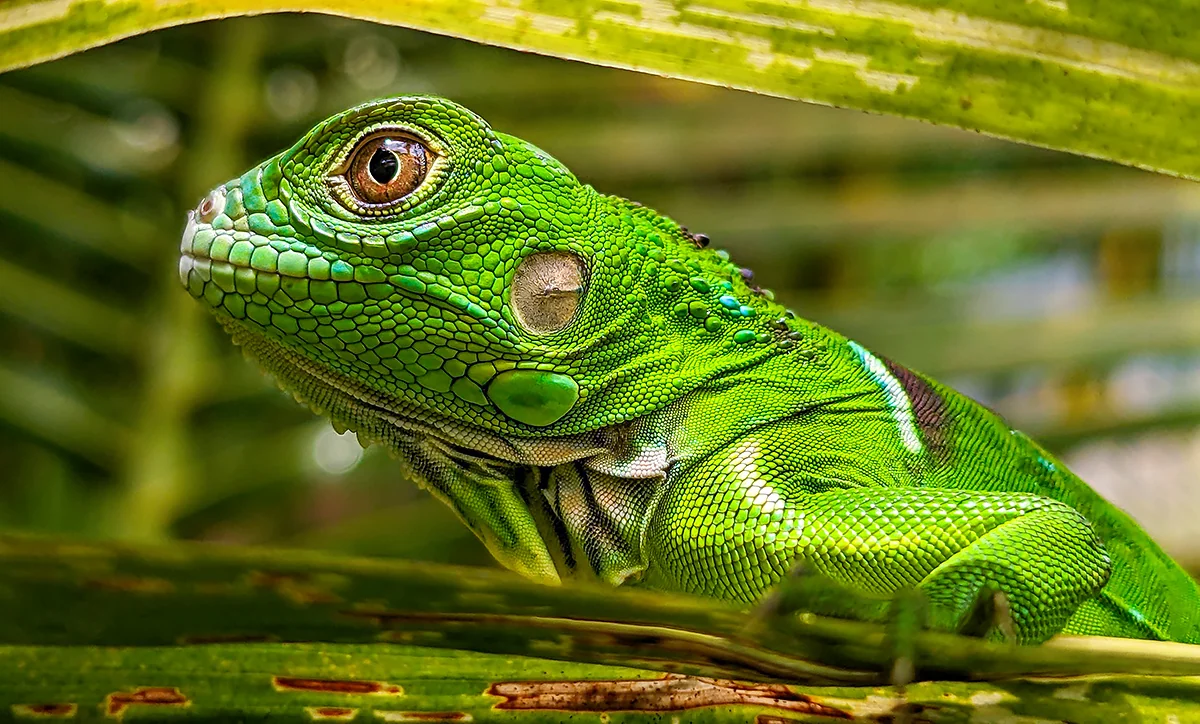
02 / CHECK THE DETAIL
Sharp where
it matters.
A soft background can be exactly what you wanted.
Chimp looks for clear detail on a plausible main subject. Likely focus misses get another check, so a blurred spectator doesn't automatically sink a sharp athlete. Open the detail in the companion and make your own call.
Green Dragon illustrates subject detail, not a model assessment. Open a real saved focus review.
03 / FIND A PLACE TO START
A smaller stack.
A stronger opening.
Need a first look for the client? Perfect Shot makes a shortlist from your reviewed photos, weighing composition, light and the moment while holding back near-duplicates.
Choose a 5% or 10% cap, read the reasons and make your own picks. It can choose fewer, or none. Your star ratings stay yours.
Meet Perfect Shot Included with Pro and Whole Roll. Try it for 14 days free.for your closer look
Illustration of the cap, not a shortlist from these photographs. Each square represents 20 frames.
Bring the whole shoot.
Add a folder of RAWs, JPEGs or both. Review the photo count, processing mode and credit total before you start.
Keep the useful work.
Export descriptions, keywords and focus colors in XMP sidecars. Or take a complete CSV or JSONL listing into your own workflow.
See every file before it moves.
Copy a set with its subfolders intact. Copy, Move and Trash show a file-by-file plan before you confirm. Start with a copy.
Originals, catalog and saved results stay local. Prepared previews and detail crops go to Google for review under its normal retention. The privacy details.
Capture One and Lightroom imports are still being checked with early users. Try a small sidecar sample first.
PUT IT TO WORK
Start with a shoot
you already know.
Bring 100 frames. Compare the focus calls with yours. Search for a detail. See whether Chimp earns a place in your workflow.
Try 100 photos freeNo card needed. 100 Standard reviews for 30 days.
Perfect Shot for 14 days. Mac and Windows requirements.
A FEW PRACTICAL DETAILS
Before you
jump in.
Do my original photos leave my computer?
Your original camera files and catalog stay on your computer. For each review, Chimp makes a JPEG overview and detail crops and sends those prepared images to Google for analysis. The descriptions, tags and focus results are saved back to your local catalog. Image Chimp does not host a photo library.
Does it only check focus?
No. Every completed review also includes a plain description and useful visible-content tags. That means you can narrow a shoot by focus, then search for things such as a ceremony, a red helmet, a lighting stand, a dog, or a wooded background without opening every frame again. The tags and descriptions travel with the export, too.
Can I find a particular kind of shot?
Yes, inside the local folders you added. Search checks filenames, your current descriptions and tags, focus notes, subject notes, and quality reasons. Exact metadata matches come first, while a small built-in set of everyday related words can connect terms such as “bike” and “cyclist.” Each result explains what matched. Search does not inspect the pixels again, identify people, or guess named locations, and it cannot recover a detail the original review never described.
What if one person is sharp and another is soft?
A sharp rider behind a soft spectator can be a keeper. Chimp looks for clear detail on any plausible main subject. Shallow depth of field and a blurred background are part of that judgment. Check its suggestions and correct a call when your own judgment differs.
What do the focus labels mean?
Sharp means a plausible main subject has clear detail. Slightly soft flags visible softness that may still work for your intended use. Missed focus flags a likely miss after a closer check. Needs review means the available detail is inconclusive. The labels help you decide what to inspect first. They do not delete a photo or change your star ratings.
Can I use it with RAW files?
Yes, when the local decoder supports the camera file. Chimp reads it at full resolution so the review can use native-pixel detail instead of judging a small thumbnail. Each file can be up to 160 MB and 65 megapixels; camera support varies. If a file cannot be decoded or reviewed, its credit is returned. A full-resolution JPEG or TIFF export also works.
How long does a review take?
The companion works through the folder and saves each result locally as the cloud review returns it. Larger RAW files, deeper checks on questionable misses, network speed, and service demand can all affect the pace. If a photo cannot be reviewed, its credit is returned and the local result shows what needs attention.
How do I use the results in my editor?
Create XMP sidecars for an editor, CSV for a quick spreadsheet, or JSONL for the complete per-photo record. Folder paths stay attached, so the companion can match results to local originals for sorting and other file actions. When you include existing sidecars, Chimp preserves their ratings and unrelated fields. Test a small set before a large metadata merge and use the Capture One guide for that editor’s profile.
What gets sent to the cloud?
An overview of the frame and selected detail crops, with embedded camera metadata removed. Those images still show whatever is in the photo, including people or visible text. Google processes them under its normal retention policy. Image Chimp keeps account, credit and billing records separately; it does not save a hosted copy of your photo library. The privacy page explains the details.